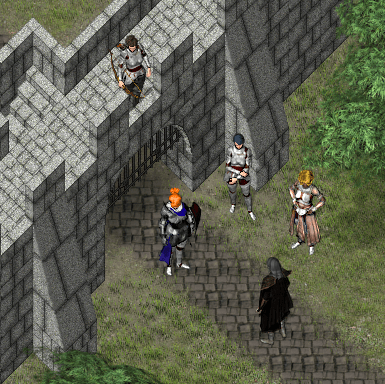
Over time, several people have asked how others work with the large character sheets.
Personally, I have each set of sheets (Face, Paperdoll, Sprite1, Sprite2, Sprite3, Sprite4) layered into two GIMP files (Male and Female). This makes it quick and easy to show/hide/duplicate/recolor layers for quick character builds.
Yes, the files are getting very large and are getting slower to load and save as new characters are released, but I find them very convenient to work with.
* The size did catch up to me when recording videos, so I have cropped them down to a smaller portion of the whole sheets for these videos.
For Sprite Sheets, there usually isn’t much actual editing needed. And for NPCs, I normally don’t need a full animation set, so I create a single character sheet with multiple NPC’s, then have all of those NPCs set up for Direction Fix On when creating their events in RPG Maker.
For NPC and Character Faces (or Paperdolls and Busts) there is a lot more room for customization to make each individual character stand out.
 Zyph's Game Design